> ## Documentation Index
> Fetch the complete documentation index at: https://docs.acelabusa.com/llms.txt
> Use this file to discover all available pages before exploring further.
# Creating Your Account in Acelab
> Learn how to join Acelab and create your account
*Written by Patricia Causey · Updated March 20, 2026*
## How to Create an Account
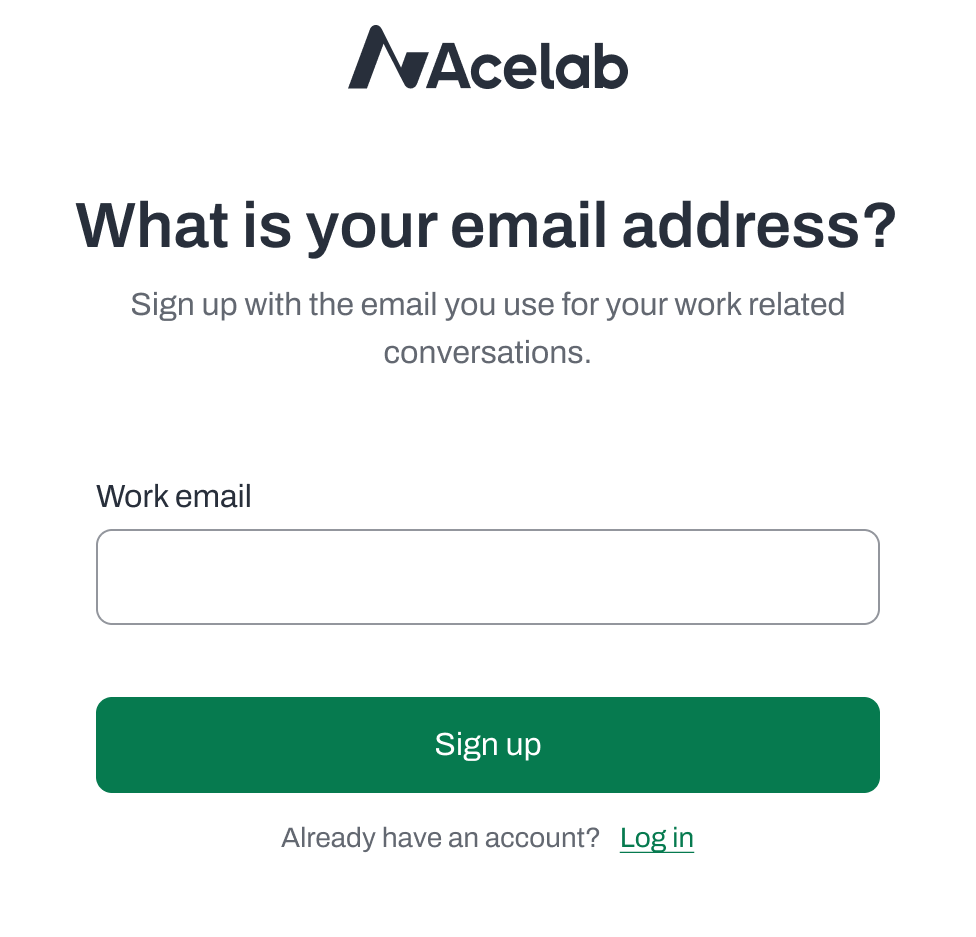
To sign up, go to [https://acelabusa.com/](https://acelabusa.com/) click on **Join for Free** and complete the steps below.
**1. Enter Your Email**
* Enter your email address
* If you add a personal email, you'll see a notification asking if you want to:
* Sign up with a corporate email instead (recommended), or
* Continue with your personal email address
**Pro tip:** Using a corporate email address will make it easier to join your company's workspace.
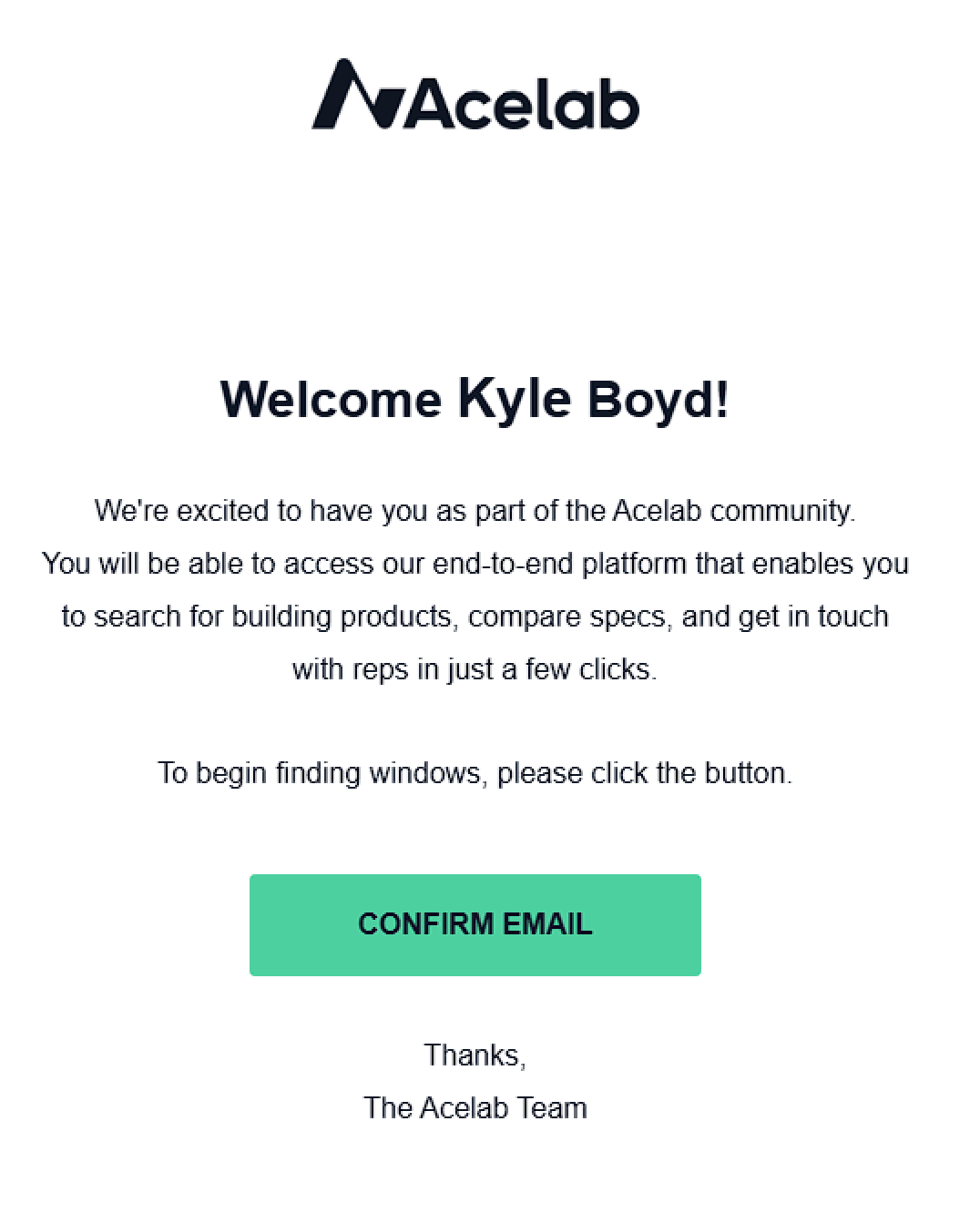
**2. Verify Your Email**
* Check your inbox for a verification email
* Click the Confirm Email button
* Can't find the email? You can:
* Click "Resend Email" for a new verification link
* Use "Back to Login" to start over if you need to change the email address
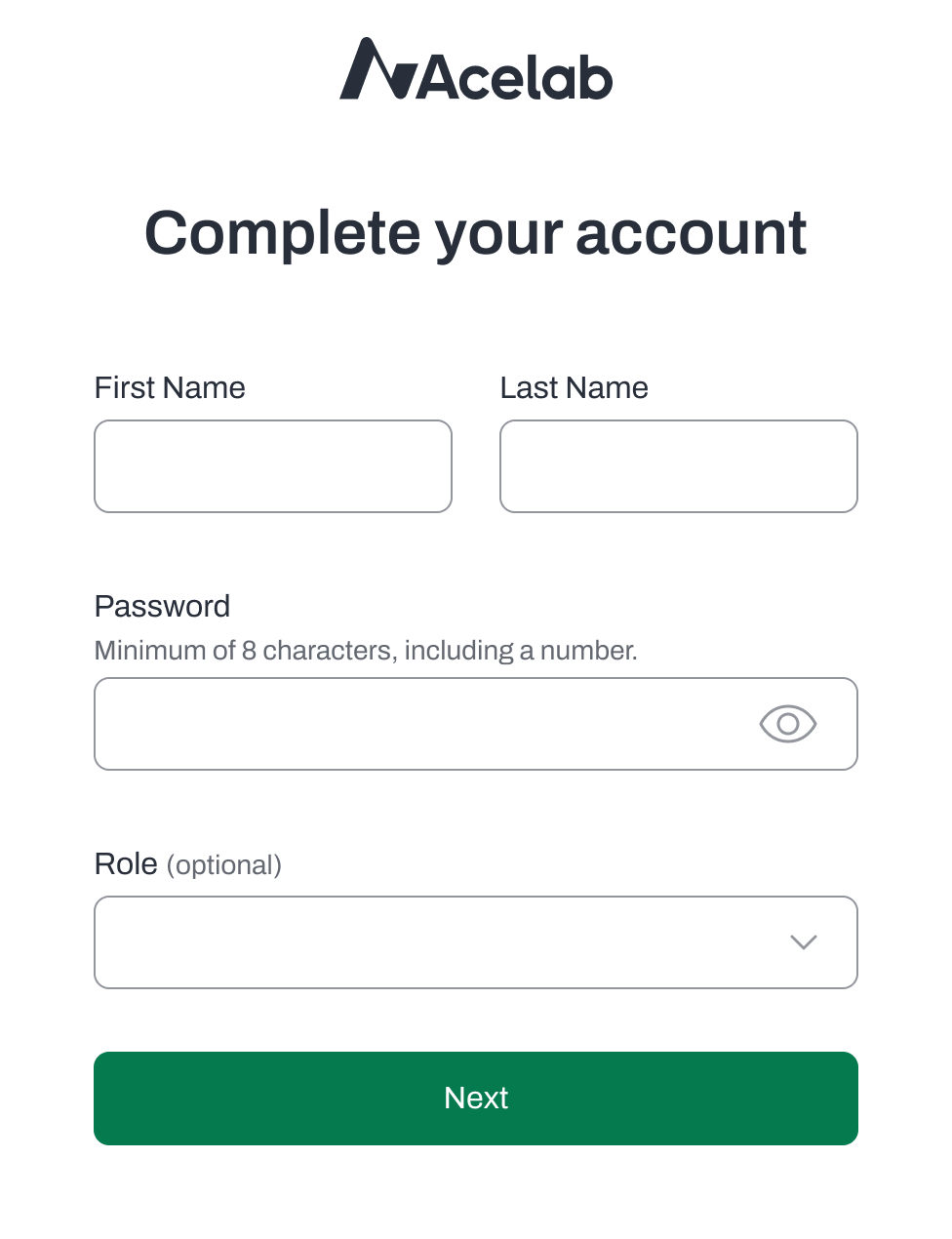
**3. Complete Your Profile**
* Add your first and last name
* Create a secure password
* Choose your role (optional)
* Click Next
* Your account has been created and you may begin exploring Acelab
* If you want join your company workspace now, keep going by following the steps in the next section.
* If you choose to join your Company later, you will need to go to your Account profile to complete the steps.
***
## Join Your Company Workspace
If someone in your Company has **already created a Company Account** in Acelab, follow the steps [here](/help-center/getting-started/joining-your-company-in-acelab) join it's workspace.
🚫 If you are a Company Admin and **need to create a Company Account** in Acelab, head out to [this article](/help-center/getting-started/creating-a-new-company-and-inviting-your-team) instead.
***
📚 Keep Learning 📚
## Next: **Joining Your Company in Acelab**
[Go to next article](/help-center/getting-started/setting-up-your-account-profile)