> ## Documentation Index
> Fetch the complete documentation index at: https://docs.acelabusa.com/llms.txt
> Use this file to discover all available pages before exploring further.
# Changing Masterformat Section
> Learn how to edit the masterformat section of products from Acelab's database and placeholders added to Schedules.
*Written by Armaan Shah · Updated February 10, 2026*
You can manually change the masterformat section of products added to schedules. You can also add masterformat sections to products that don't yet have one automatically assigned. The change remains until manually modified again.
**Note:** Users with all permission level, except Viewer, can edit masterformat section.
## How to change Masterformat Section in Schedules
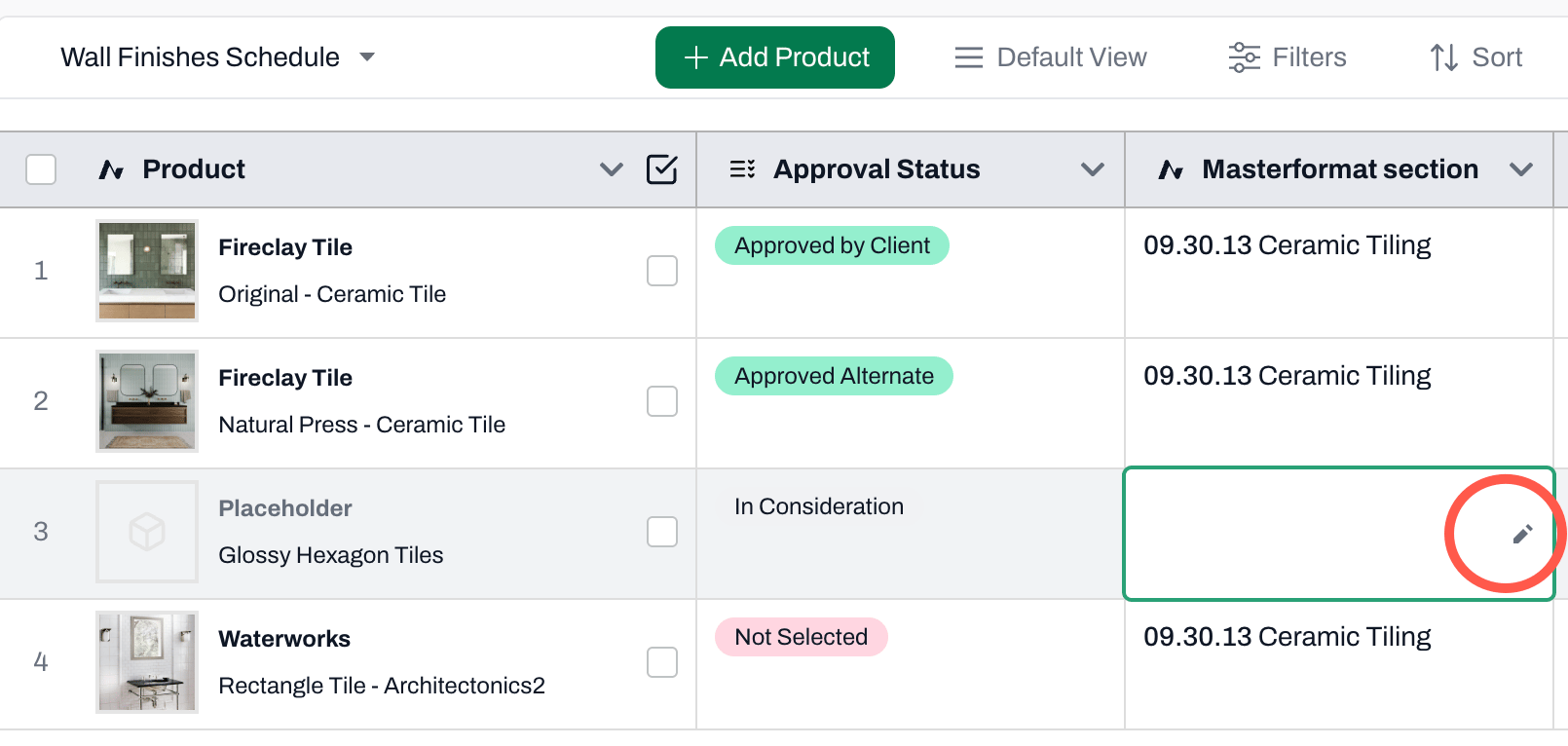
* Navigate to Schedules in the Project where the product is saved
* In the Masterformat section field (column), click on the cell you wish to change
* Click on the pencil icon
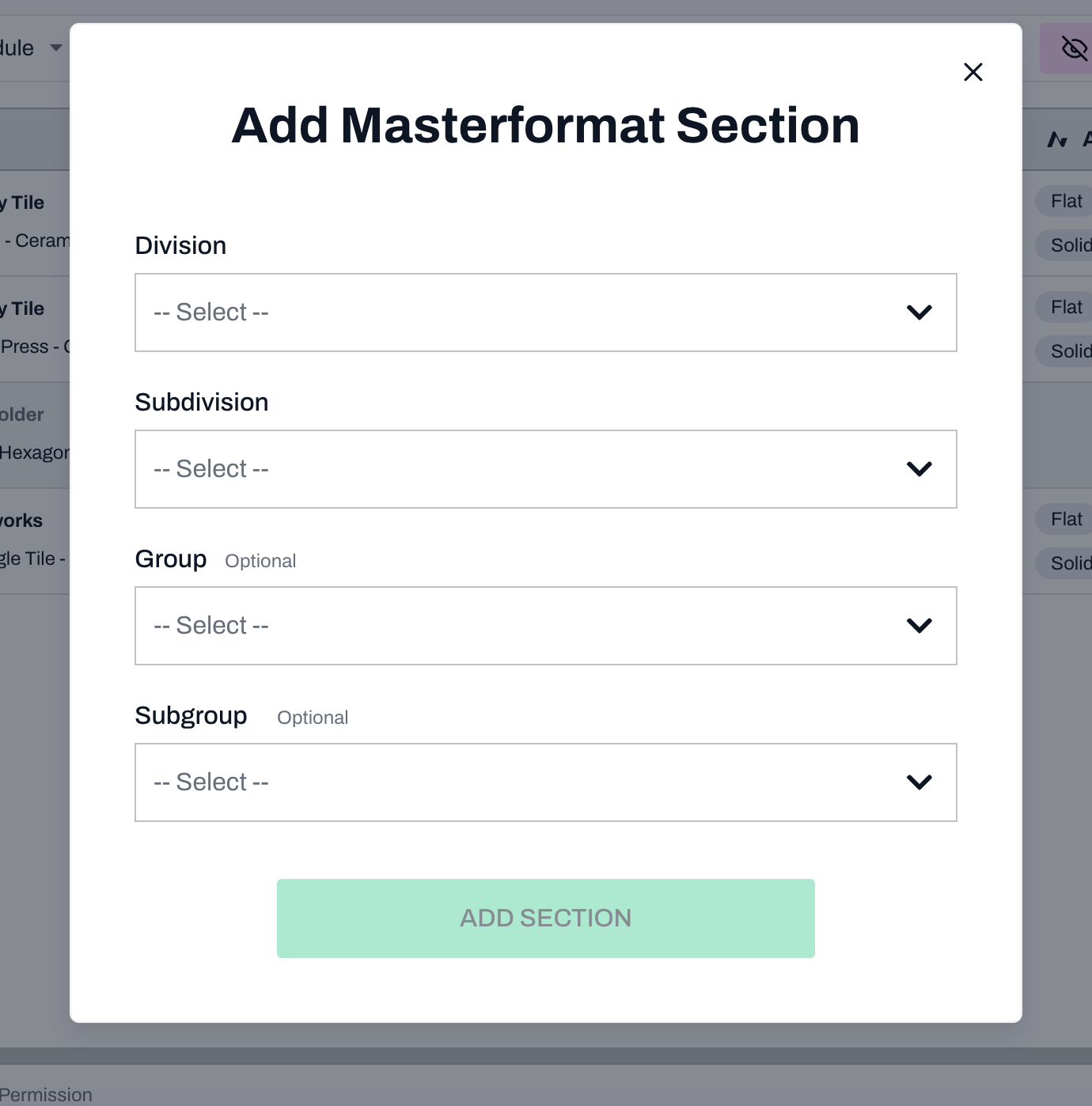
 * Select a Division, Subdivision, Group, and Subgroup (optional)
* Click Change Section
**Note:** When copying a product with an changed masterformat section to another project, the change will be copied as well.
***
## Impact in SpecPlanner
* If the checkbox for adding to Spec Planner is selected, the masterformat in the SpecPlanner will align with the changed masterformat section in Schedules.
* Select a Division, Subdivision, Group, and Subgroup (optional)
* Click Change Section
**Note:** When copying a product with an changed masterformat section to another project, the change will be copied as well.
***
## Impact in SpecPlanner
* If the checkbox for adding to Spec Planner is selected, the masterformat in the SpecPlanner will align with the changed masterformat section in Schedules.