> ## Documentation Index
> Fetch the complete documentation index at: https://docs.acelabusa.com/llms.txt
> Use this file to discover all available pages before exploring further.
# Height in Schedules
> Learn how to customize the height of rows in Schedules
*Written by Armaan Shah · Updated February 24, 2025*
You may choose among three 3 pre-set height options to customize your views based on the amount of data and screen size you have. The height option you select will be saved when you set a view.
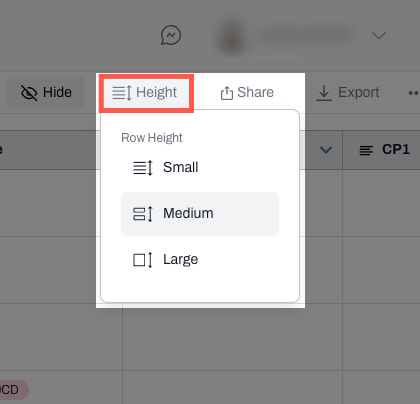
* To change the height view, navigate to the Height button at the top bar
* Select one of three options: Small, Medium, Large.
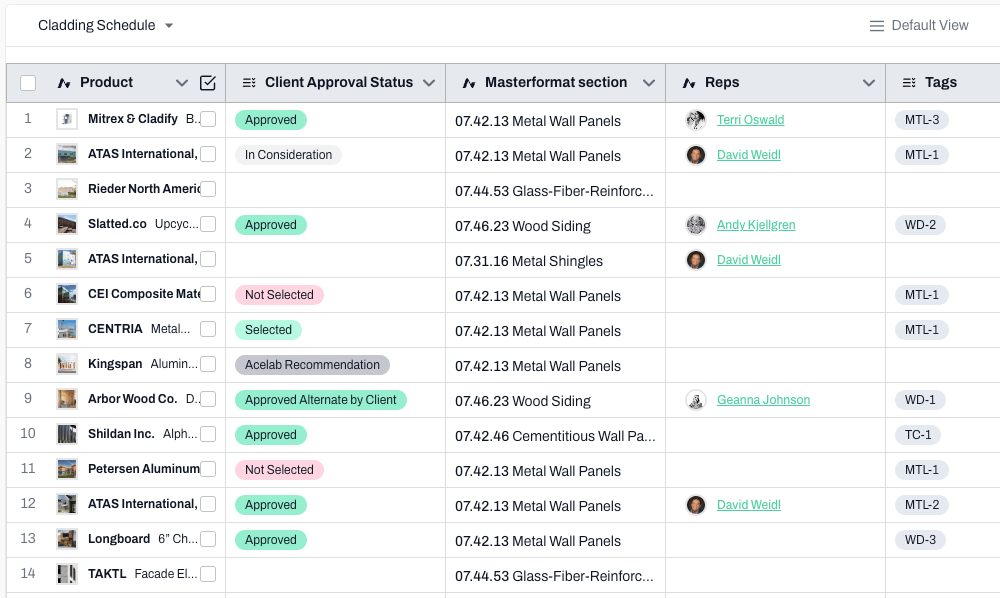
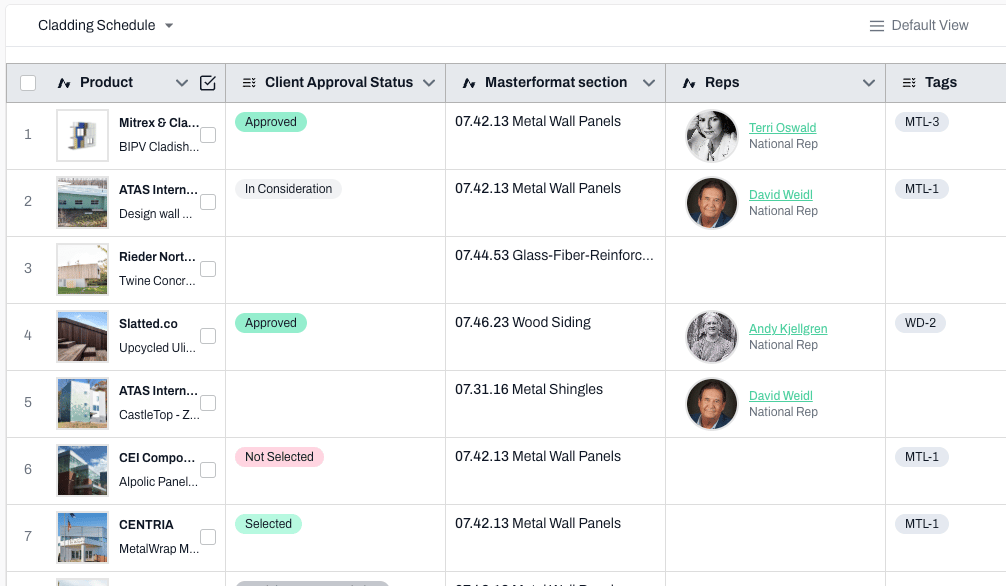
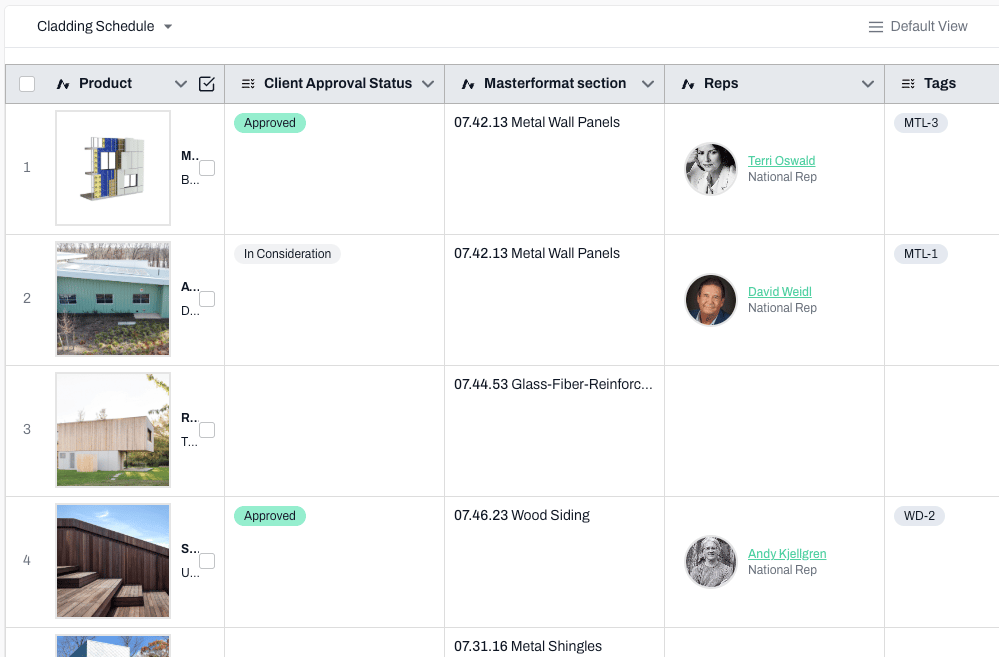
**Tip: Small** is recommended for large amounts of data, **Large** is helpful for schedules with less data or where the images are incredibly important. And, **medium** is your in-between option: not too small, not too large.
See examples of each option below.
#### Small
 #### Medium
 #### Large
 ***
📚 Keep Learning 📚
## Next: Deleting Schedules
[Go to next article](https://help.acelabusa.com/en/articles/10191760-delete-schedule)
***
📚 Keep Learning 📚
## Next: Deleting Schedules
[Go to next article](https://help.acelabusa.com/en/articles/10191760-delete-schedule)