Summary
A Health Product Declaration (HPD) is a standardized report that discloses what a building product is made of — its ingredients, associated hazards, and how thoroughly those ingredients have been characterized. Acelab integrates directly with the HPD Collaborative’s public API to automatically pull this data into the Materials Hub, so you don’t have to read raw HPD documents yourself. This article explains what an HPD is, what data Acelab extracts from it, and which fields you’ll find in your Schedules and on product detail pages.What Is an HPD?
Think of an HPD like a nutrition label for a building product. Just as a food label tells you what’s in your food, an HPD discloses what’s in a material — its chemical ingredients, any hazardous substances, and how completely the manufacturer has identified and characterized those substances. HPDs are published voluntarily by manufacturers and follow a standardized format maintained by the HPD Collaborative. Acelab pulls HPD data automatically from the HPD public API whenever a product has a publicly available HPD on file.📍Note: Not all products have an HPD. Fields sourced from HPD data will be empty for products that don’t have one. To check whether a product has an HPD, look for Health Product Declaration in the All Certifications field, or look for the downloadable HPD document in the Health Product Declaration attachment field.
Before You Begin
- HPD-sourced fields are read-only. They are populated automatically and cannot be manually edited.
- Data availability depends on whether the manufacturer has published an HPD and made it publicly accessible via the HPD API. Some manufacturers produce HPDs but restrict their availability — those products will not have HPD data in Acelab.
What Data Does Acelab Pull from HPDs?
Acelab surfaces the following data from HPDs:Ingredient Disclosure Fields
These fields describe the completeness and transparency of a product’s ingredient disclosures.Emissions & LEED Fields
Document Field
Where to Find HPD Data
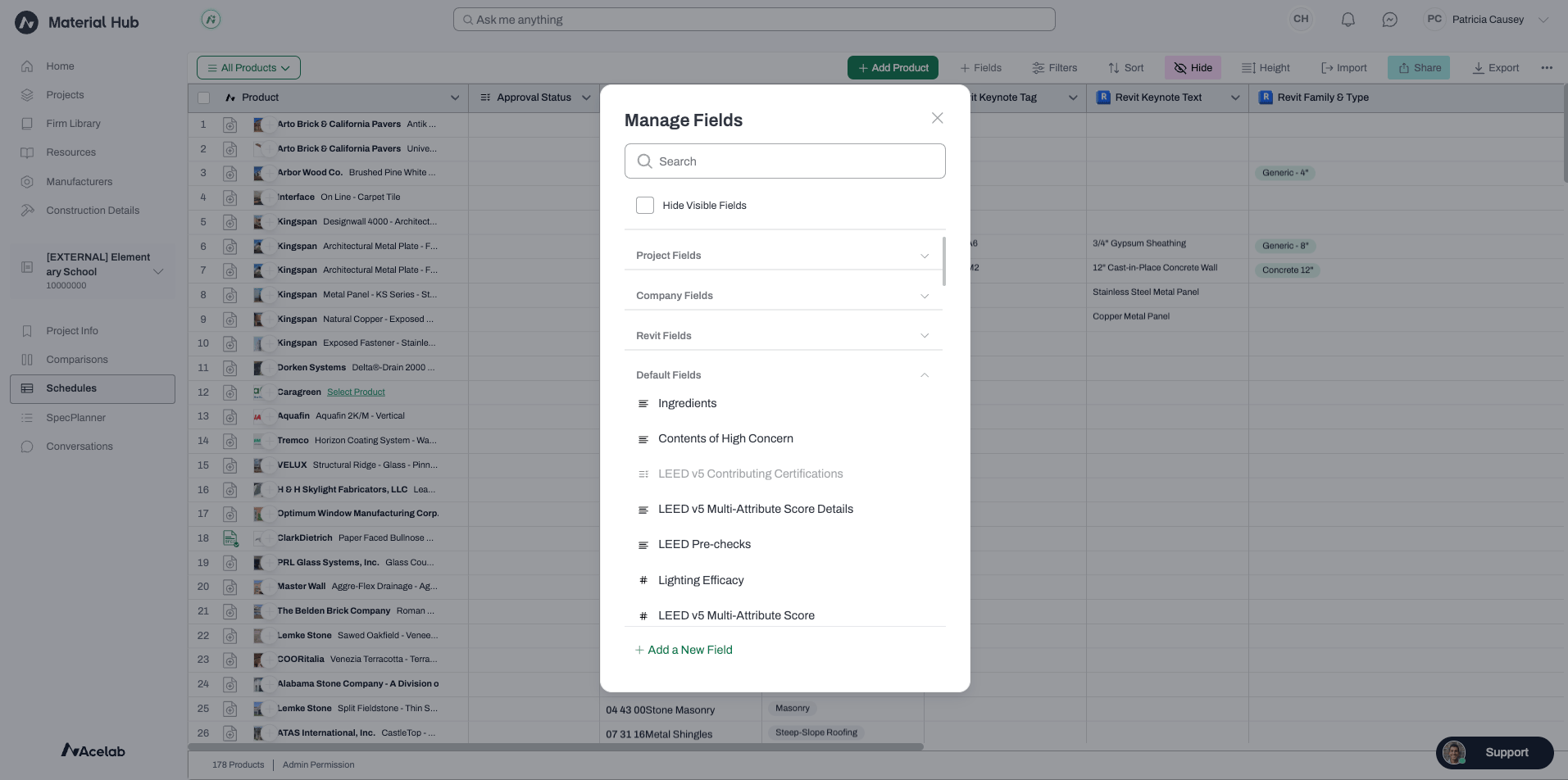
On a product detail page (PDP): HPD data appears in the product’s summary section, alongside other health and sustainability data. In Schedules: HPD-sourced fields can be added as columns. Open your Schedule, click Fields in the top bar, and search for the field name you want to add. HPD fields are Acelab Default Fields and are marked with the Acelab logo.