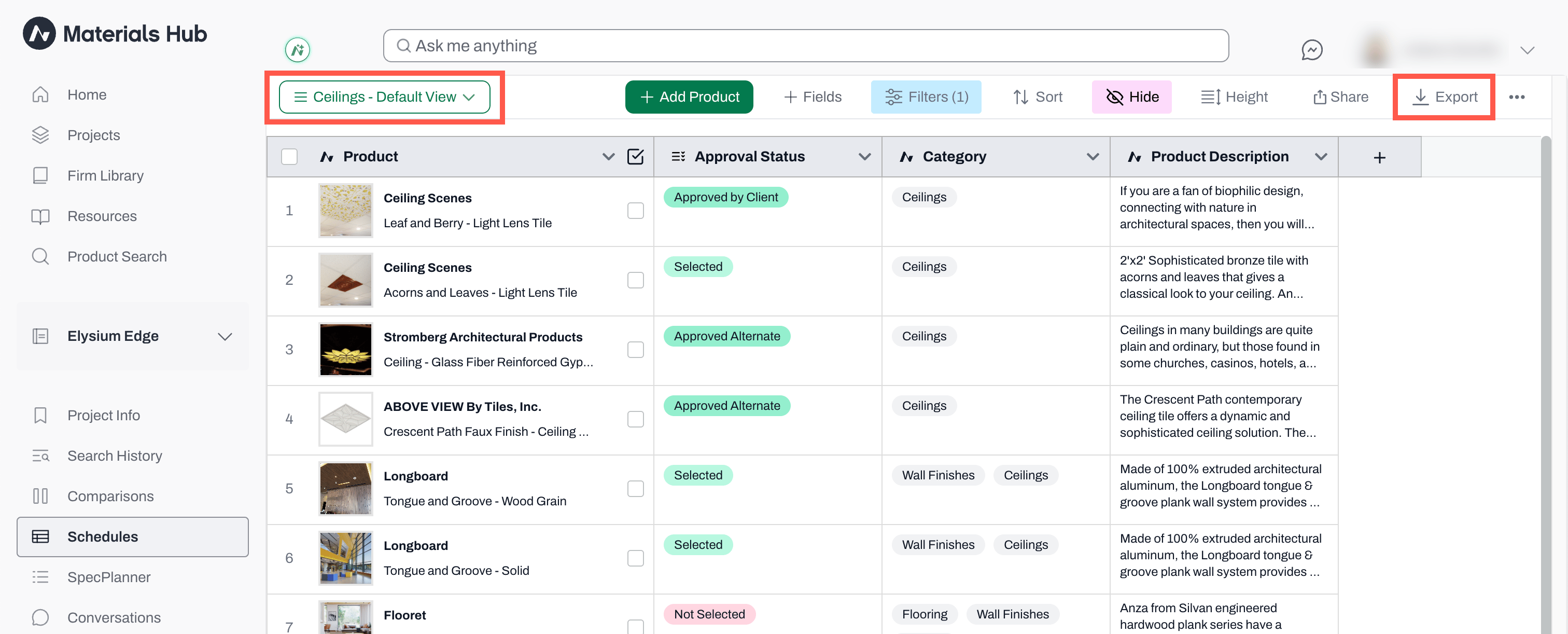
Selecting or Creating a View
The view that is visible when you export a schedule is the view that will be exported. It is important to create or select a view prior to exporting. If you need hide any columns, do that before the export as well. Once you have your view ready to go, it is time to export it.Exporting a View
- Navigate to the top right to export a view and select Export
- The .csv file will download to your computer
- Send it to your collaborators by email, message, or however you choose