

How to hide fields using the button in the top bar
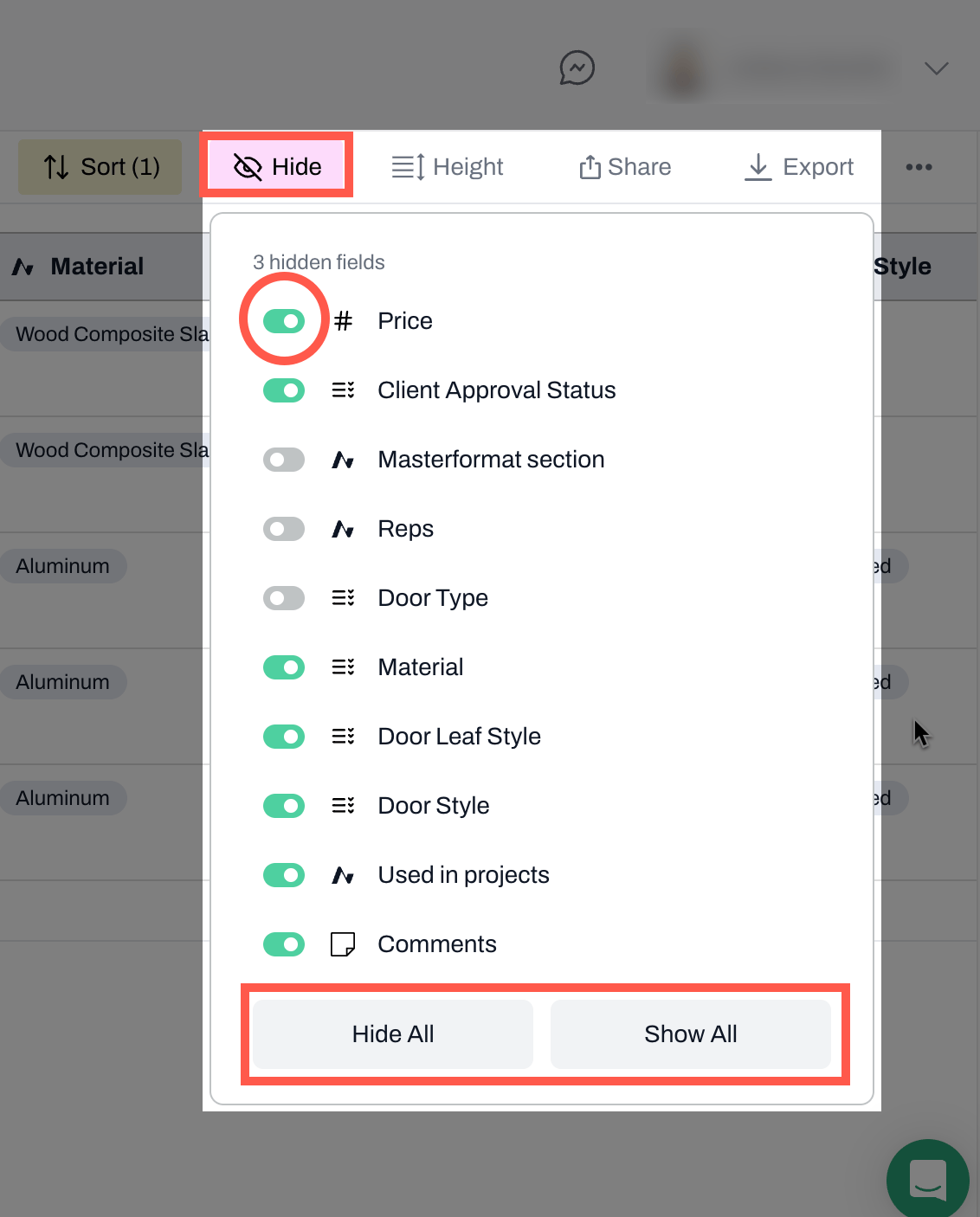
- Navigate to the Hide button.
- Toggle on any fields you want to show
- Toggle off any fields you do not want to hide
- To hide all or show all fields use the Hide All or Show All options at the bottom
How to hide a field using the drop-down menu in each column
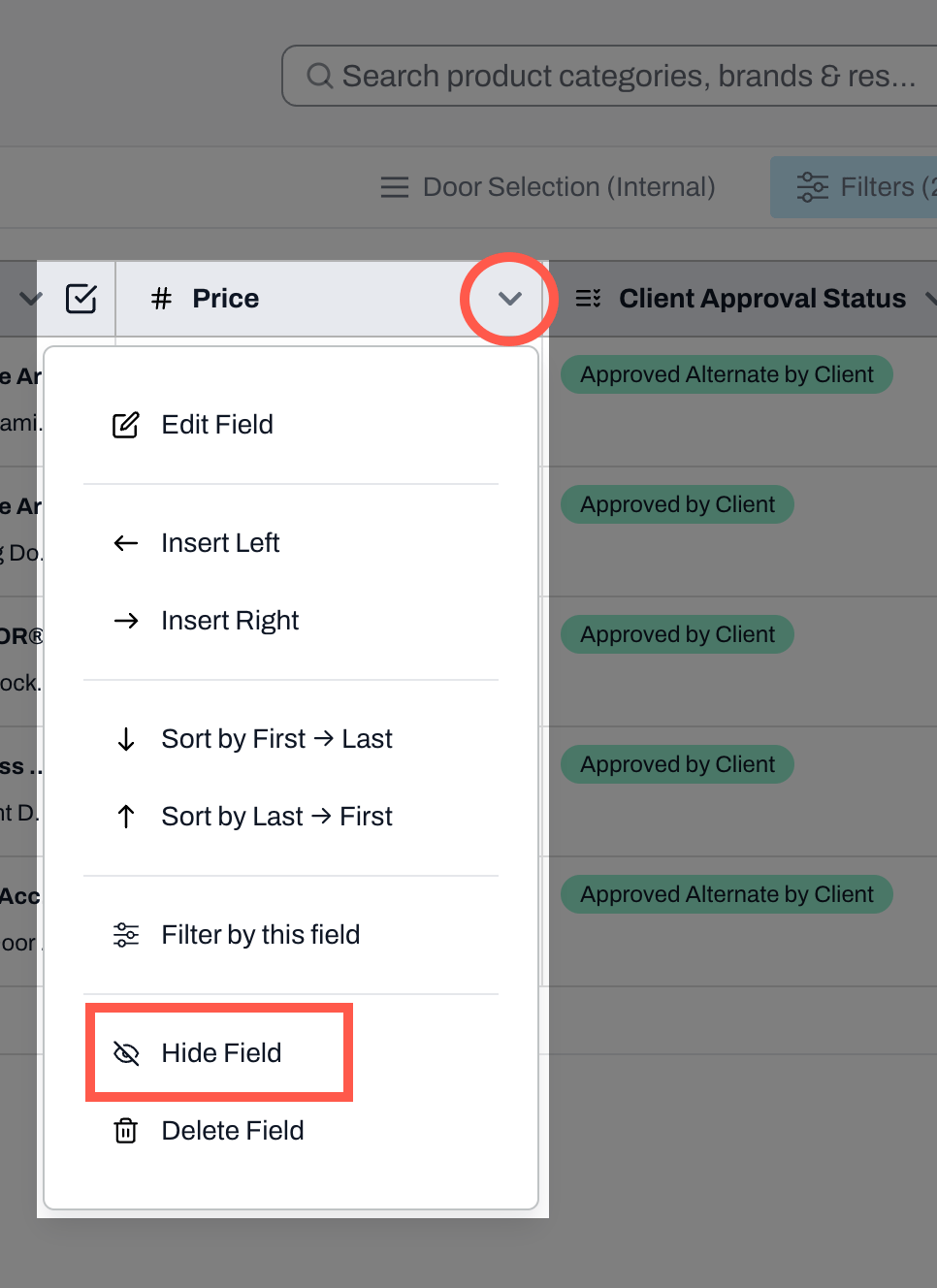
- Click on the down arrow in the column header you want to hide
- Select Hide Field
- To unhide fields, you must use the Hide button at the top bar
Note: Please note that the Product Name column cannot be hidden.
📚 Keep Learning 📚