

- To change the height view, navigate to the Height button at the top bar
- Select one of three options: Small, Medium, Large.
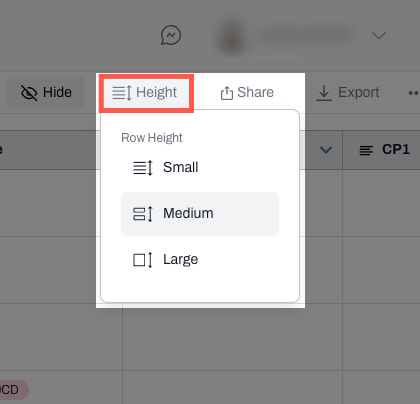
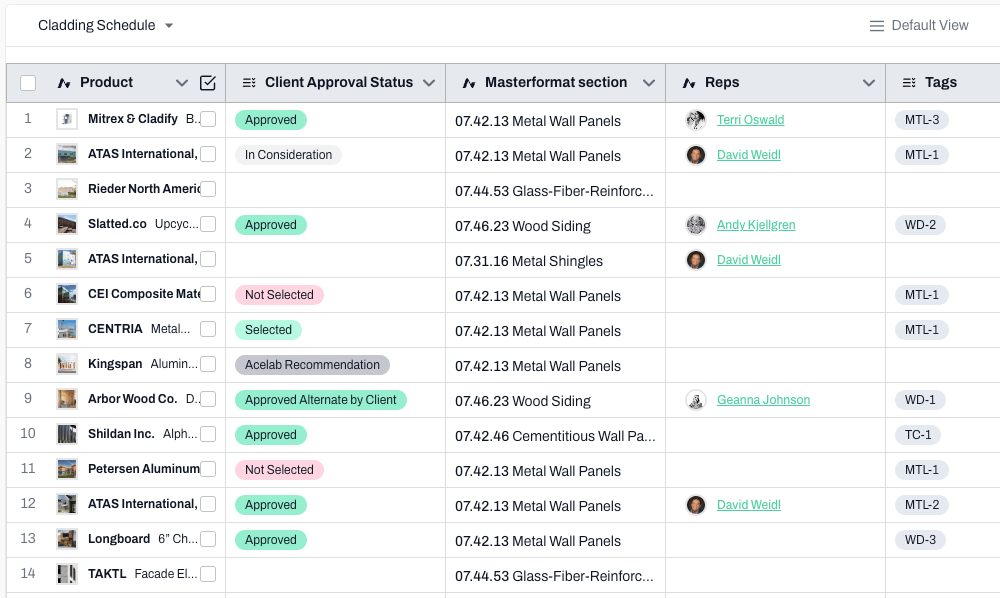
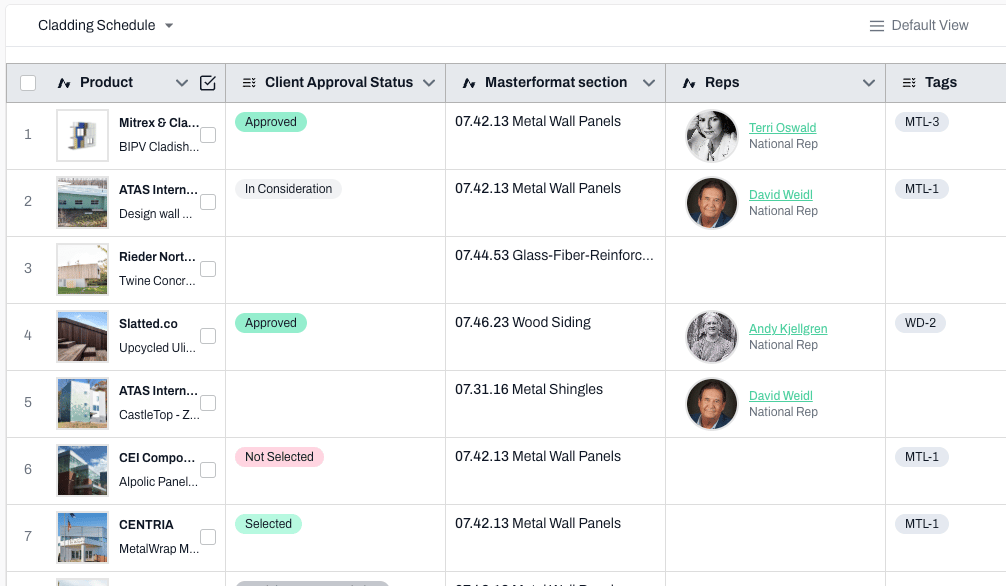
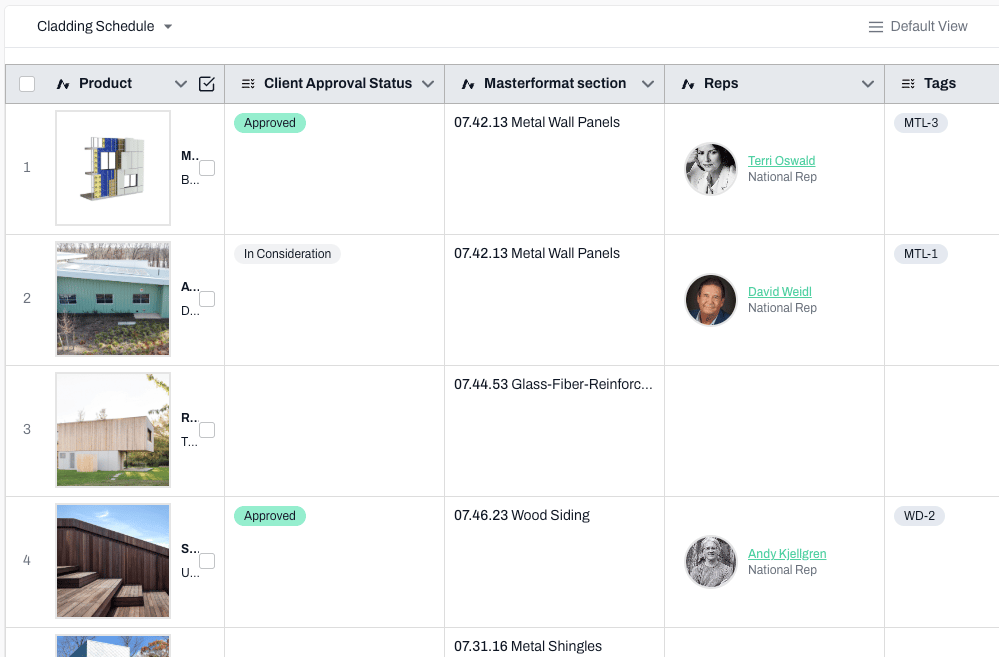
Tip: Small is recommended for large amounts of data, Large is helpful for schedules with less data or where the images are incredibly important. And, medium is your in-between option: not too small, not too large.
Small
Medium
Large
📚 Keep Learning 📚