

Start a Product Search
- Start a search from the search bar or Ask Ace
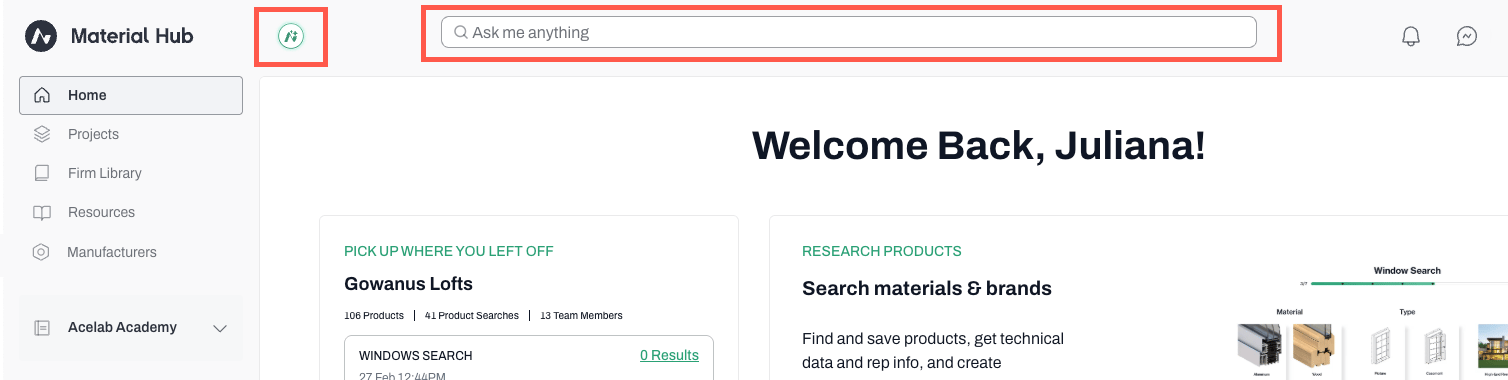
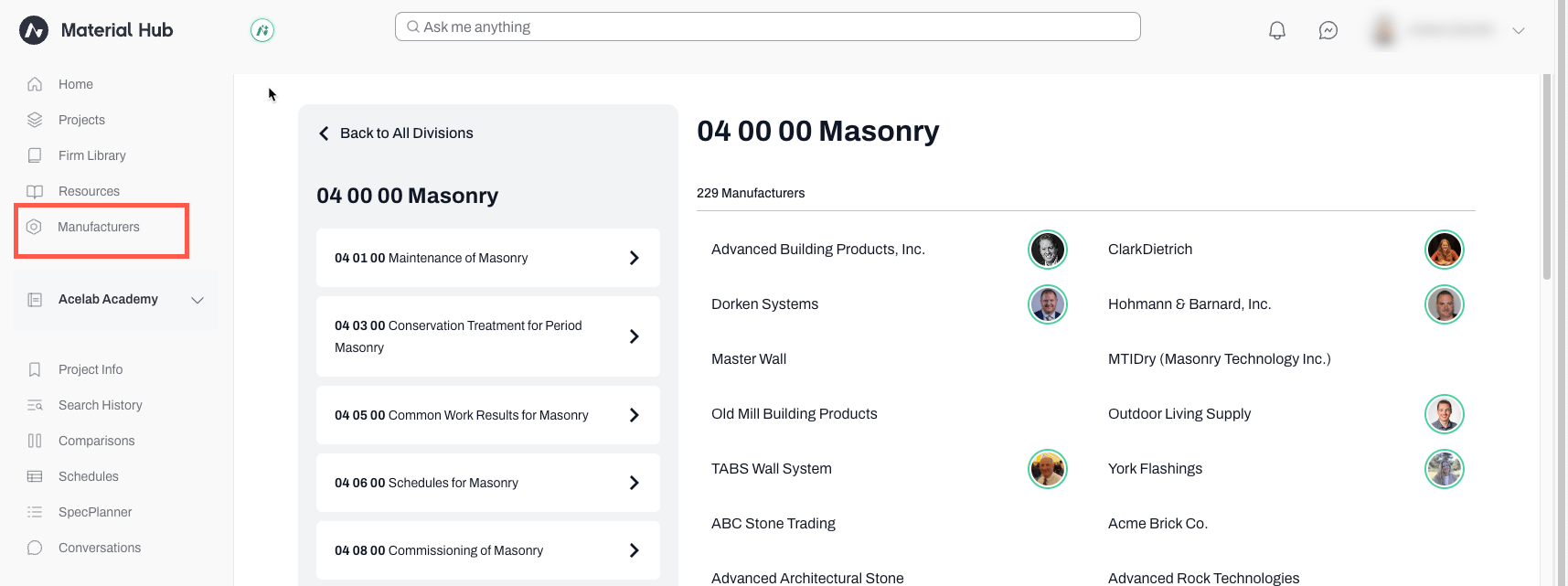
- Or, to find products by Manufacturer, click on Manufacturers
- Select a division to narrow down the list
- Click on a Manufacturer (they are listed alphabetically)
- Scroll down to see the products
Save Products
-
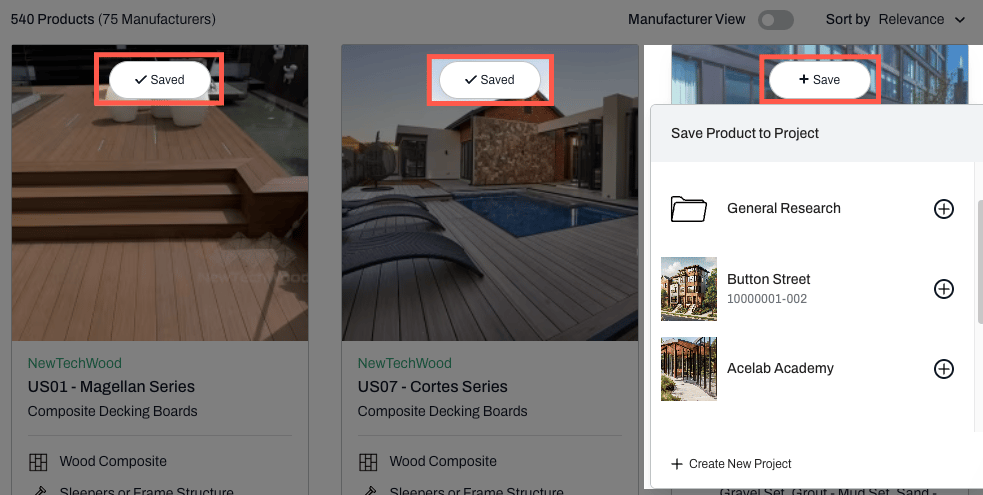
On the results page, the products that have already been saved to a project (any project) will be identified with a Saved tag over the product image.
- Hover over the Saved tag to see which project(s) the product has been added to.
- Select the project to which you want to add this product by clicking on the ’+’ sign.
-
Products that have not been added to any project will not have the Saved tag.
- Hover over the product and a Save button will appear.
- Click on Save and select the destination project to which you want to add the product.
- That’s it. The products you saved will appear in your project’s schedule.
📚 Keep Learning 📚