

To remove one or a few products
- Navigate to Schedules
-
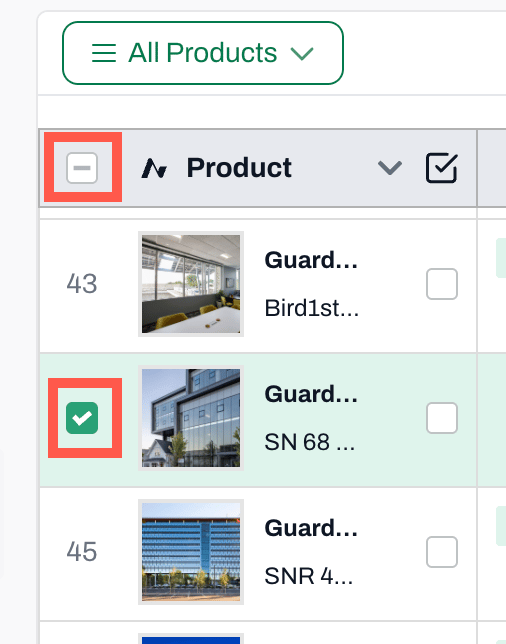
In the column that displays the product name, hover over the number to the left of the name
- The number will turn into a checkbox
-
Click on the checkbox to select the product
- Check all the products you wish to remove
- To select all products, check the box to the left of the Product header
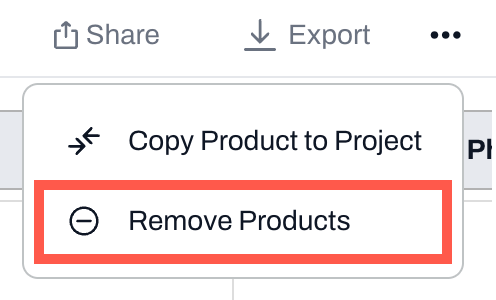
- Click on the 3 dots on the top right corner
- Choose Remove Products
📚 Keep Learning 📚