How to Export Your Specifications
-
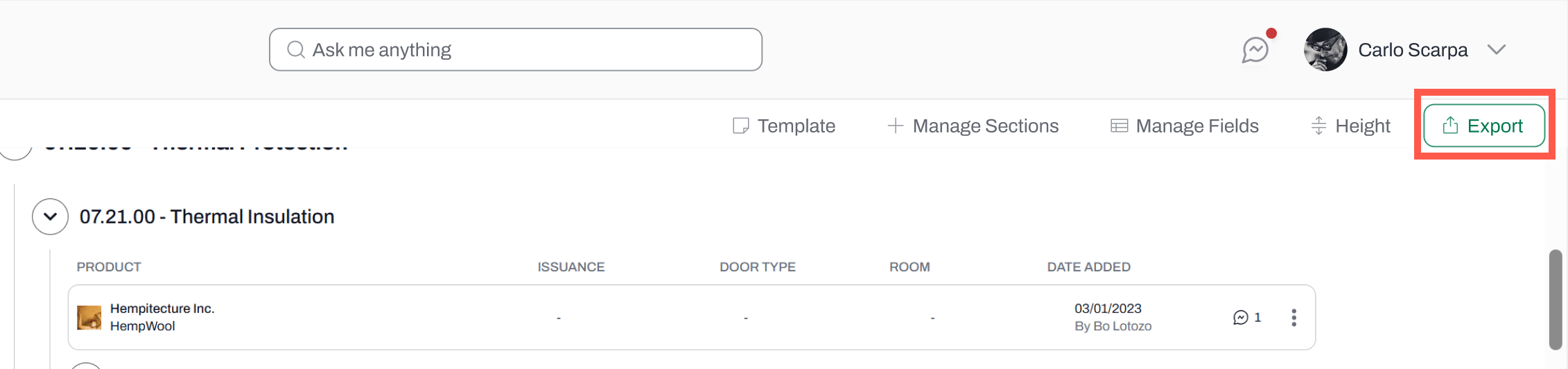
Click on the Export button and select:
- Export as .doc or
- Export as .txt
-
The exported file will include:
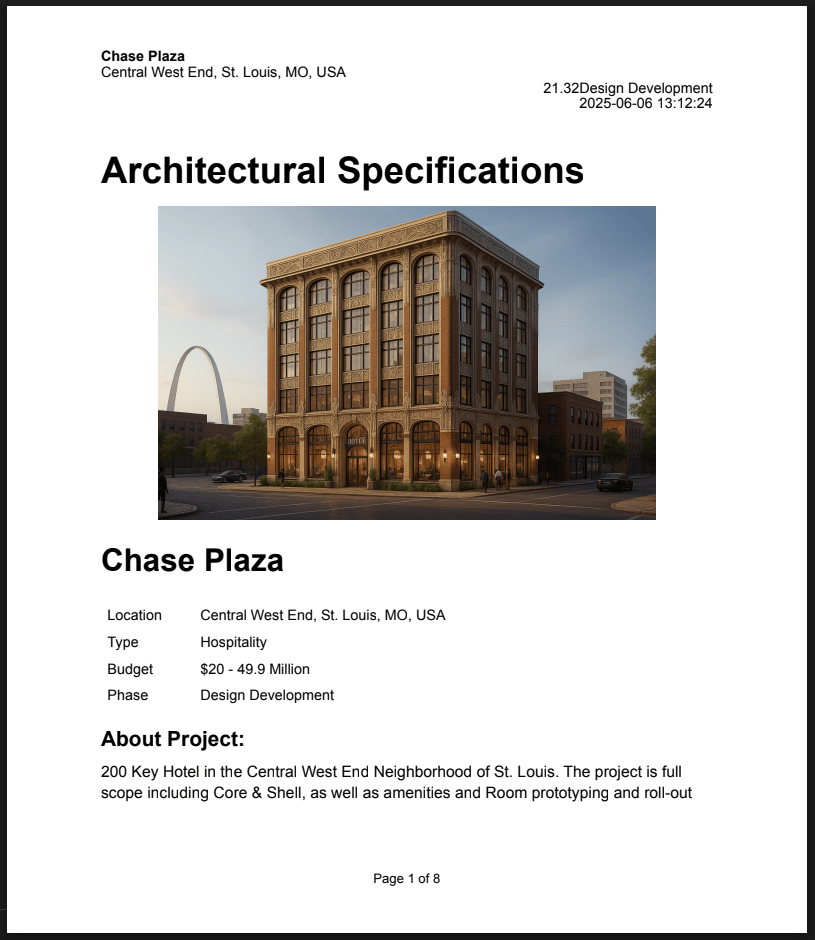
- A cover page containing project information (e.g. project name, image, description)
-
A table of contents containing all the divisions
- Only divisions with products will be included. Divisions where no products have been added will not appear.
- All fields* and their data (e.g. product name and manufacturer, status, tags) *Product images are not included
- Collaborator who added the product