Learn how to optimize SpecPlanner display with different height options.
Written by Patricia Causey · Updated March 20, 2026The Height option in SpecPlanner offers 3 different pre-set heights to help tailor your views based on the amount of data and screen size.
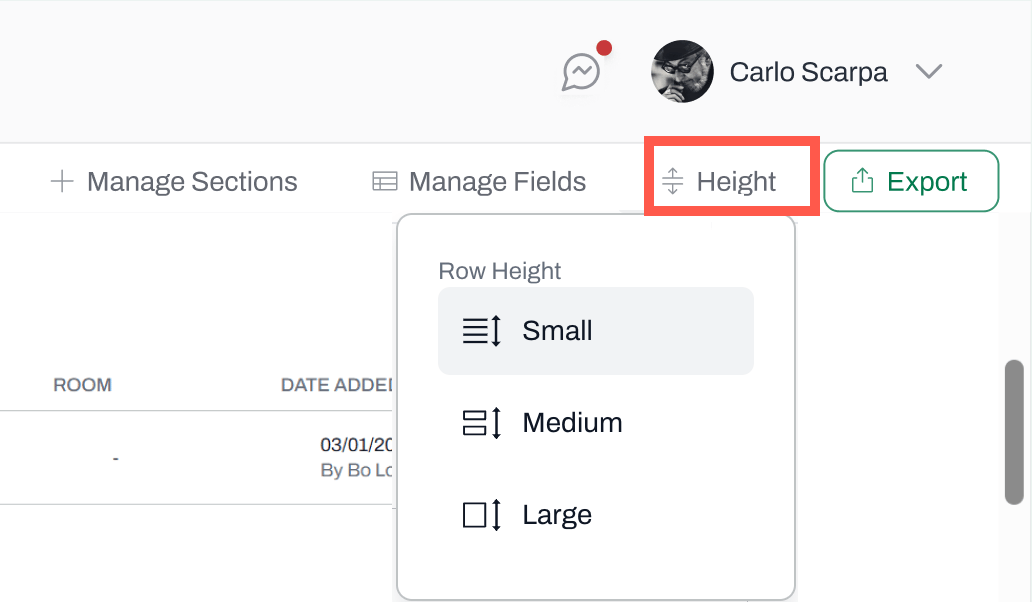
To change the height view, navigate to Height, on the top-right corner.
Choose a height options: Small, medium, and large.
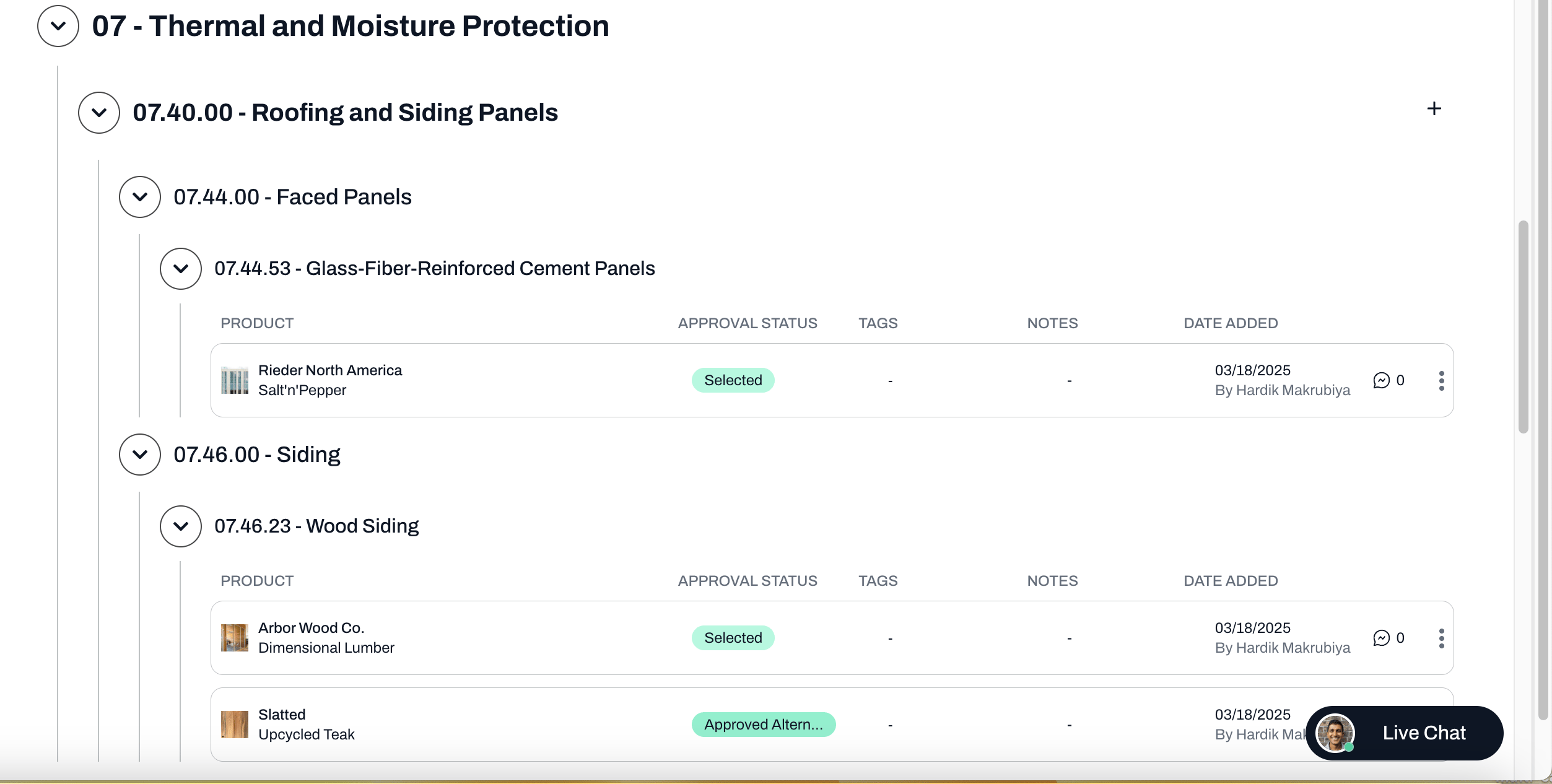
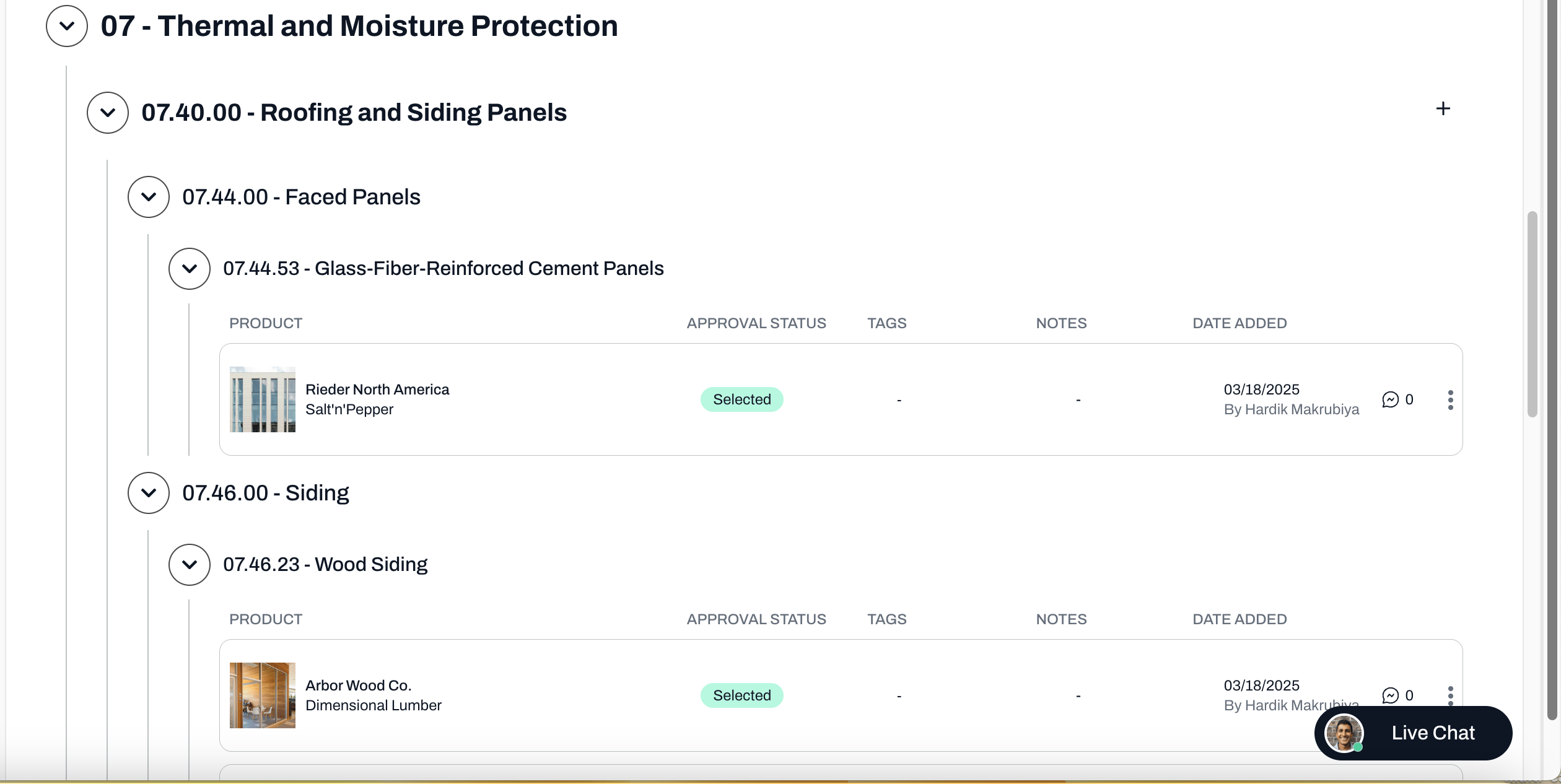
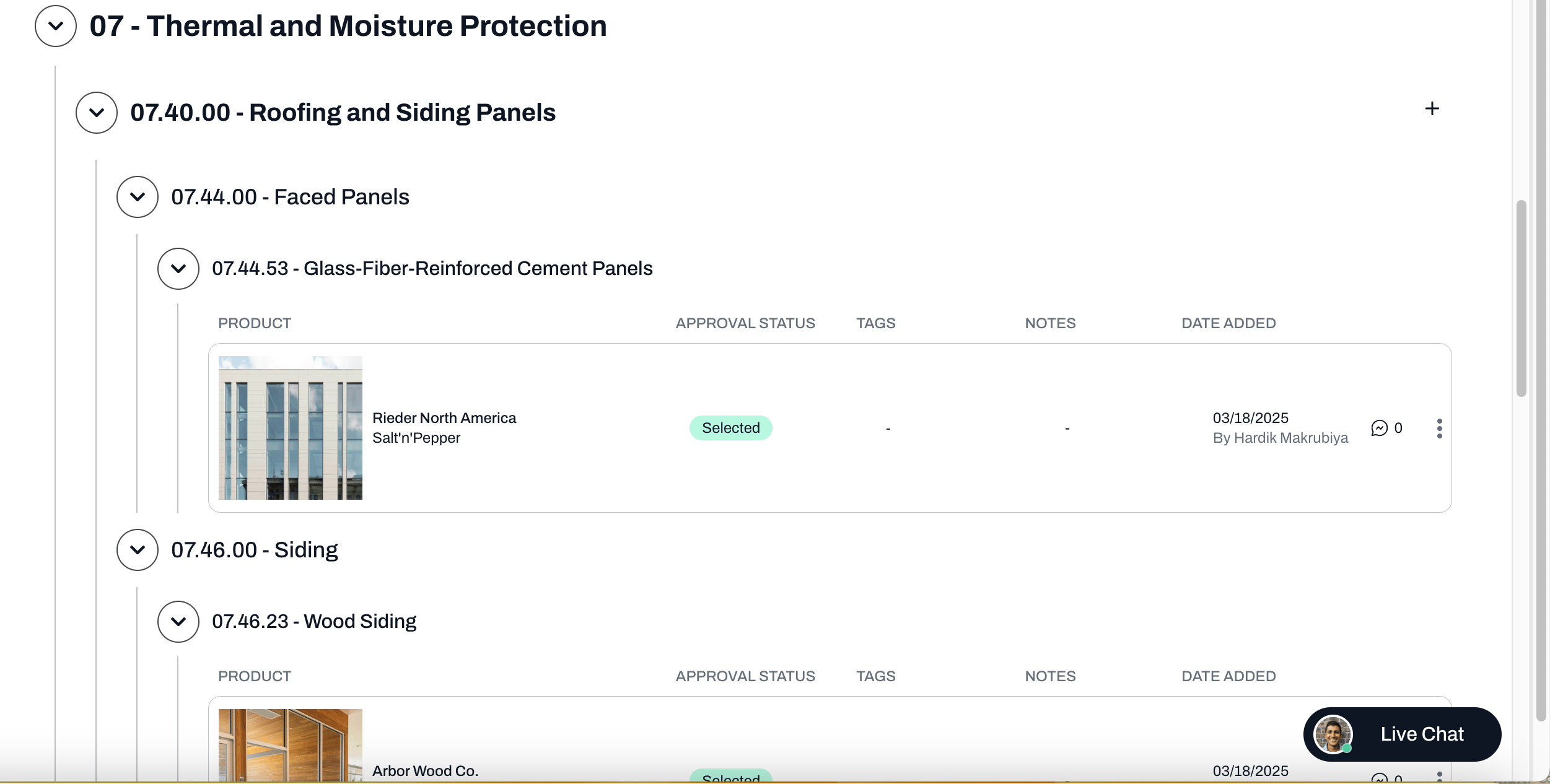
Small is recommended for large amounts of data, and large is helpful when the images are incredibly important. Please see the screenshots of each option below.