

How answers are applied
- Changed cells replace your values. If the manufacturer entered a new value, it replaces yours in the schedule.
- Untouched cells keep your values. If the manufacturer left a cell unchanged or blank, your existing value stays. The manufacturer sees your current values while answering, so they only change what needs updating.
- The newest response wins. If two RFIs answered the same cell, the most recently submitted answer is kept.
- Responses can’t be undone. Once submitted, the manufacturer can’t revise their response.
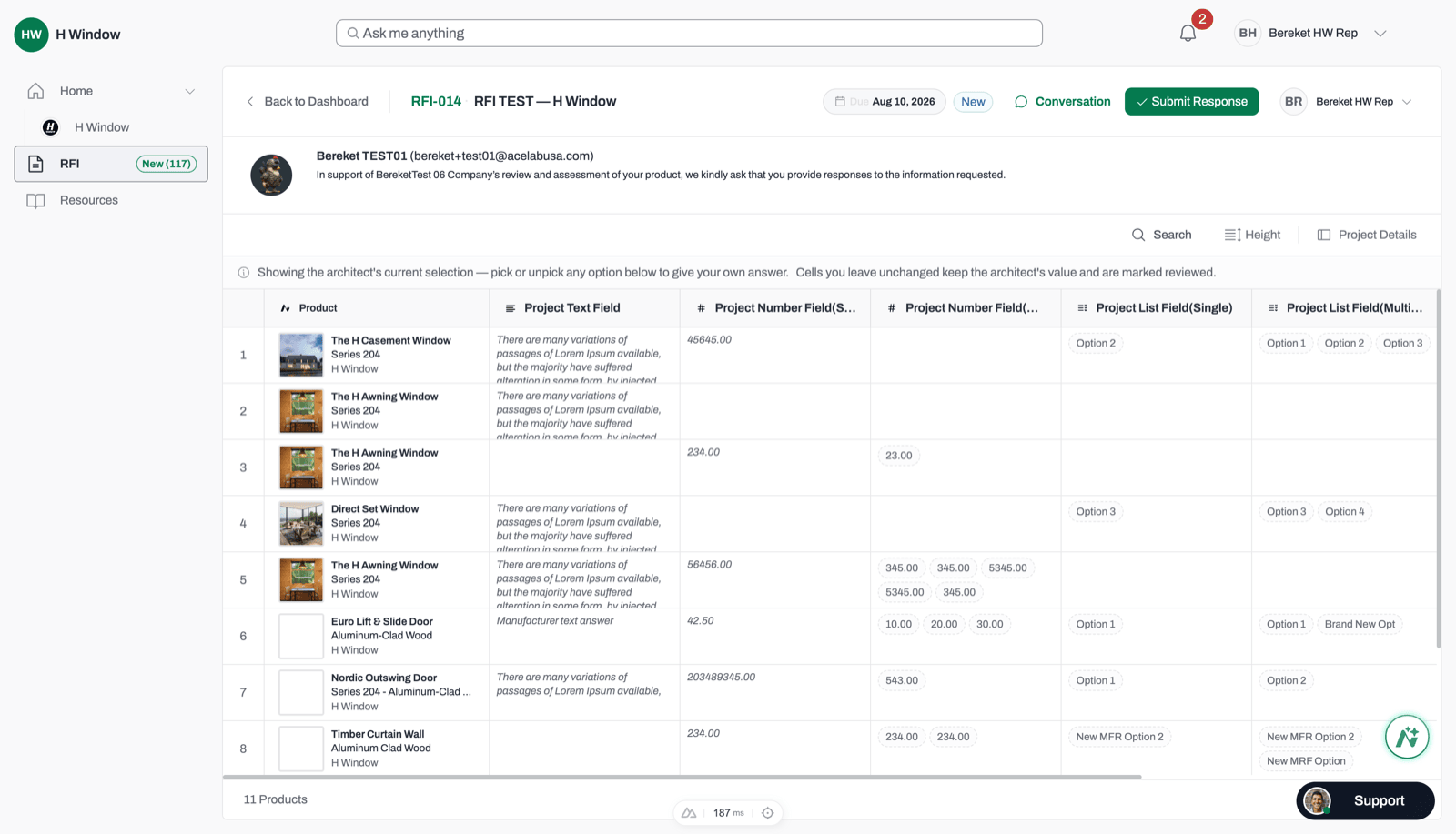
The manufacturer's response grid. Your current values appear in muted text, and the manufacturer only changes what needs updating.
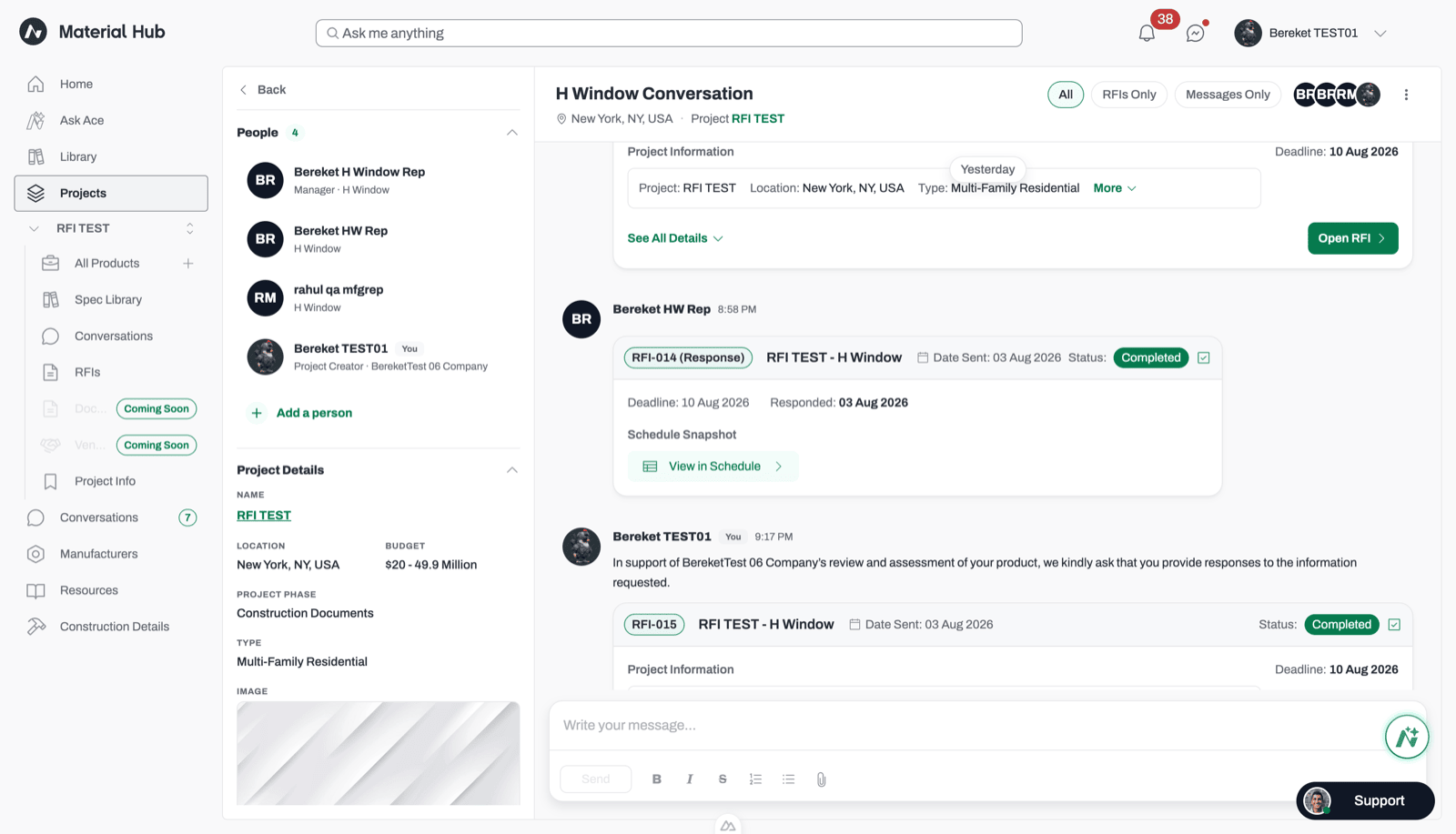
A completed response card with the View in Schedule button.
RFI cell markers
Cells included in an RFI show a thin colored bar on their left edge. Hover over the cell to see which RFI it belongs to.
A schedule cell with a green marker showing its value came from a manufacturer's RFI response.
When an answer isn’t applied
In a few cases, an answer is kept on the RFI and in the response PDF, but isn’t written to your schedule:- The column’s field type changed after you sent the RFI.
- The product was removed from the schedule after you sent the RFI.
Editing a schedule with open RFIs
An RFI is a snapshot of your schedule at the time you sent it. Editing the schedule doesn’t change what the manufacturer sees. Some edits can stop an answer from being applied, so Acelab warns you first:Related articles
Replacing a Product in Schedules
Swap a product in your schedule.
Changing Field Types
Change the type of a schedule field.