

What each role can do
Things to know
- Only Admins, Creators, and Editors see Send RFIs. The Send RFIs button in the schedule toolbar only appears if you can send RFIs on the project.
- Collaborators from other companies can’t access RFIs. If you invite someone from another firm to your project, they can’t see the RFIs dashboard, RFI details, or PDFs. Your RFI correspondence stays within your company.
- Company membership alone isn’t enough. You also need a role on the specific project.
- Drafts are private. You only see the drafts you saved yourself.
- Sent RFIs can’t be deleted or canceled by anyone. Only unsent drafts can be deleted.
- Deadlines can only be extended while an RFI is overdue. See RFI deadlines and overdue RFIs.
- Conversation membership doesn’t grant RFI access. See RFI conversations.
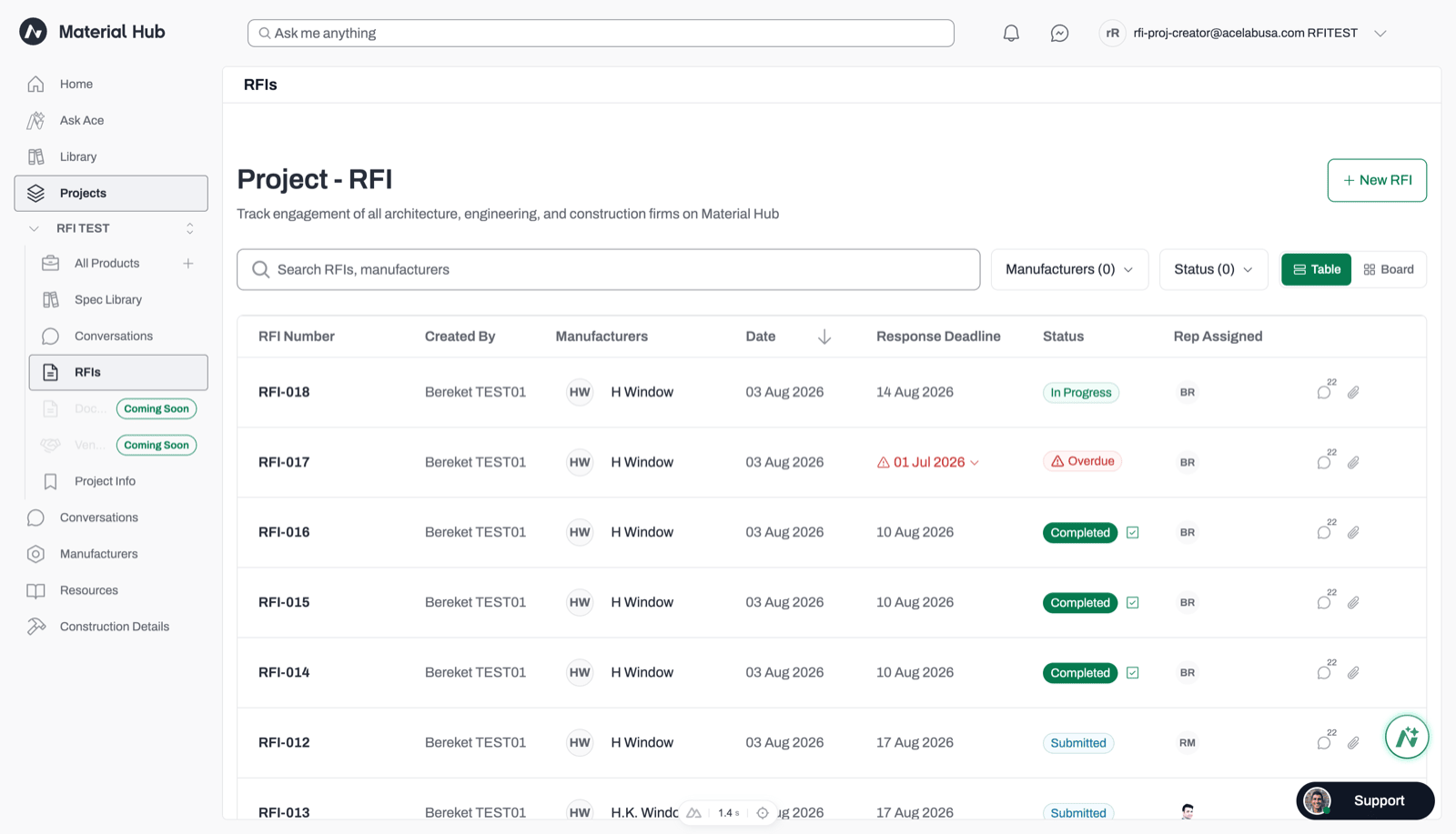
Anyone with access to the project's RFIs can view the dashboard. Viewers can see RFIs but can't send them or extend deadlines.